
The Security section allows users to change their password by entering the current password, new password, and confirming it. Users can also enable Two-Factor Authentication (2FA) for added account protection.
Here Seller Can Do:
- Update password
- Two-Factor Authentication enable or disable
1. Navigate to the Settings page
From your seller dashboard, go to the Security section.
2. Fill in Password Details
provide the following information:
- Current Password – Give your current password.
- New password – Give your new password.
- Confirm password – Give your confirm password
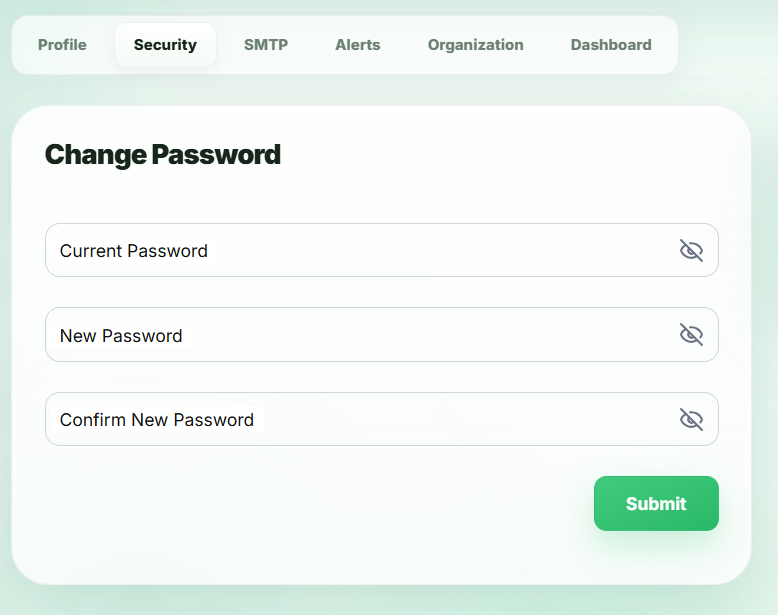
Once all required details are filled, the new password apply successfully.
3. Two-Factor Authentication
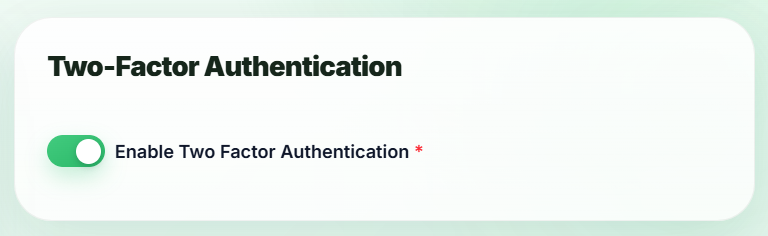
When enabling or disabling, a modal will open to verify your action via an OTP sent to your registered email.
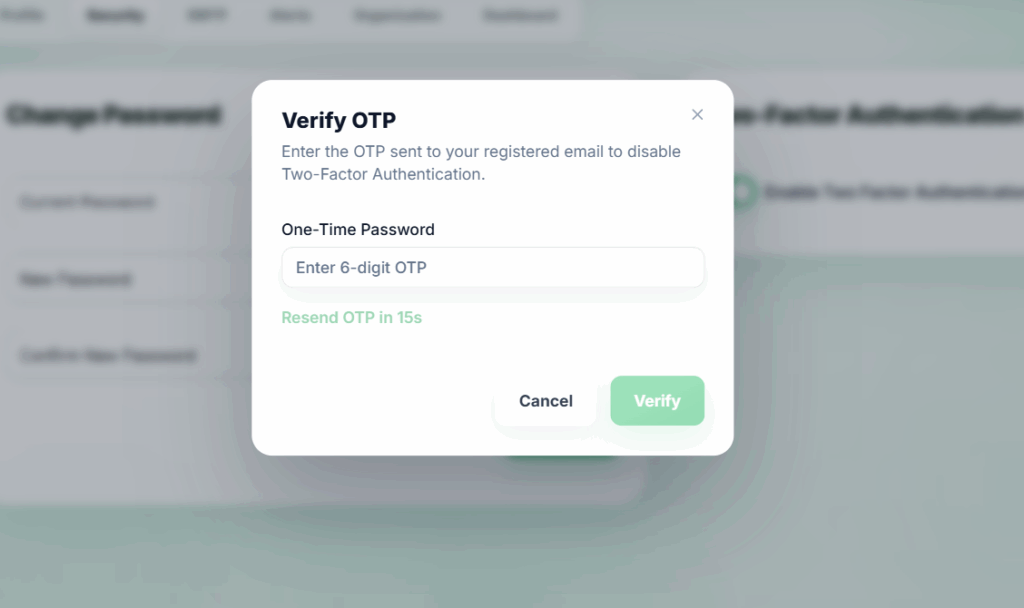
Once the OTP is successfully verified, the enable/disable action will be applied successfully.